
Twitch on iPhone — Ad-Free + Download VODs, Clips & Live
Twitch+ is a modded Twitch IPA for iPhone that blocks every ad slot the app throws at you and adds a downloader for anything you watch: VODs, clips and live streams, in whatever quality you want, audio-only included. Download the Twitch+ IPA for iPhone and you get the same Twitch you already use — same login, same channels, same chat — with the ad breaks gone and a save button wired into the player. No jailbreak, no computer, installed in one tap from builds.io.
What Twitch+ actually is
Twitch+ is not a clone or a rebuilt client — it is the genuine Twitch app with a tweak layer patched on top. It sits at the join of two separate tweak lineages: ad-blockers such as TwitchAdBlock and Twitch No Ads, which strip Twitch’s ad injection out of the player, and downloader tweaks such as TwitchDvnloader, built by developer Dayanch96, which hook into the video player to save broadcasts, clips and full VODs straight to the device. Twitch+ bundles both jobs into a single build, so you are not installing one tweak for ad removal and hunting down a second one just to save a clip.
The reason that combination is worth installing comes down to what stock Twitch deliberately withholds. Pre-roll and mid-roll ad breaks interrupt live channels and VODs alike, and Twitch has extended that ad load over time rather than trimmed it. There is no built-in way to keep a VOD once it expires or a clip once a streamer deletes it — on desktop you can reach for a browser extension, but iOS has nothing equivalent baked into the app. And the one official fix, a Turbo subscription at roughly nine dollars a month, only removes ads — it buys you nothing on the downloading side. Twitch+ answers both asks in one free install: no ads, and a real download manager underneath.
Block every Twitch ad
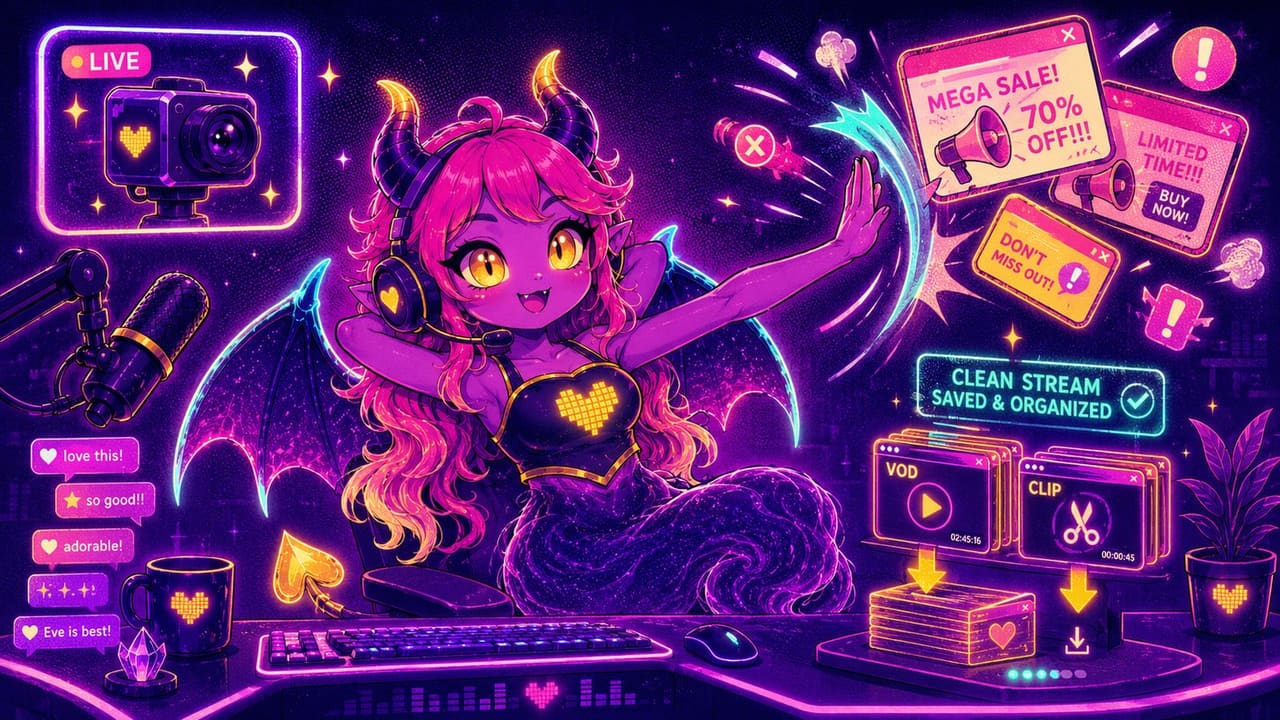
Twitch+ removes the ad breaks from both live channels and VODs, so a stream plays through without cutting to a commercial mid-sentence and a VOD does not stitch in ad slots partway through playback. Chat, raids and follow alerts all keep working normally — only the ad delivery is patched out, not the surrounding app.
Download VODs, clips and live streams
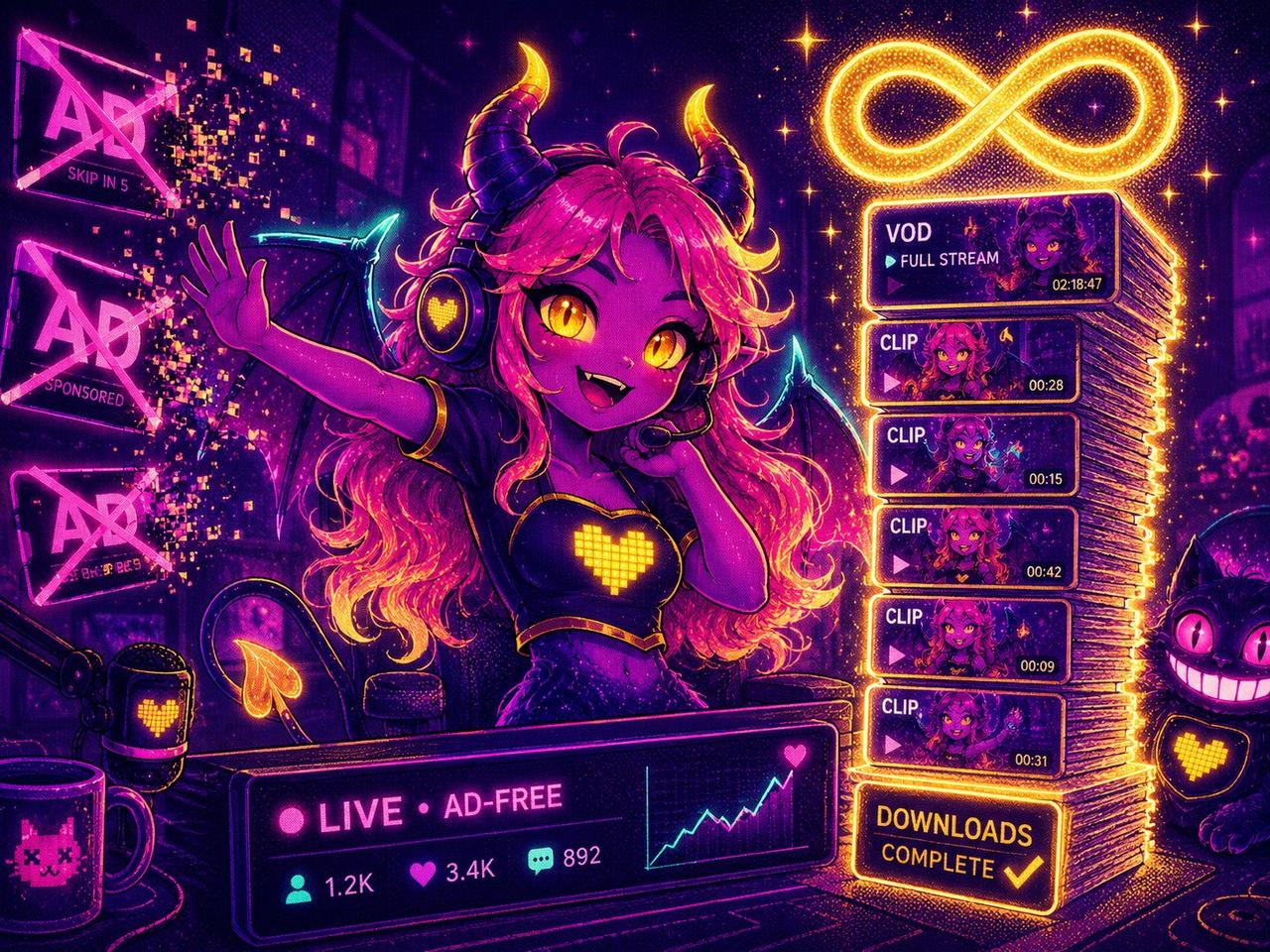
Long-press a clip, a full VOD or an ongoing live broadcast and Twitch+ adds a download option to it. You choose the quality, down to audio-only if you just want the sound, and for a live stream you set how long a chunk to capture in real time rather than waiting for the broadcast to end. Downloads run in the background while you keep browsing or watching something else, and a push notification lets you know the moment a file is ready, so there is no need to sit in the app and watch a progress bar.
Chat and viewing extras
Alongside the two big changes, Twitch+ carries the smaller conveniences this line of Twitch tweaks is known for: filtered-emote support in chat, so you are not limited to Twitch’s stock set, and noticeably faster loading on streams and VODs, since the player never has to fetch and splice in an ad break before playback starts.
Get Twitch+ on iPhone
On builds.io, Twitch+ installs like a normal App Store download — no jailbreak and no PC. Tap GET, install, and sign in with your usual Twitch account. When you add a new device, Apple runs a one-time “processing” step: most devices are ready within a day, and some take up to three days while Apple processes them. It happens once, then every install after that is instant.
If ad-free, download-friendly streaming apps are what you are after, our guide to MovieBox Pro for free streaming covers a similar tweak built around movies and shows instead of live channels.
Twitch+ is one entry on a longer list — tweaked apps for iPhone has the ad-free and download-capable builds for the rest of your home screen.