
Best YouTube IPA for iPhone: Plus, OLED, uYou & Music
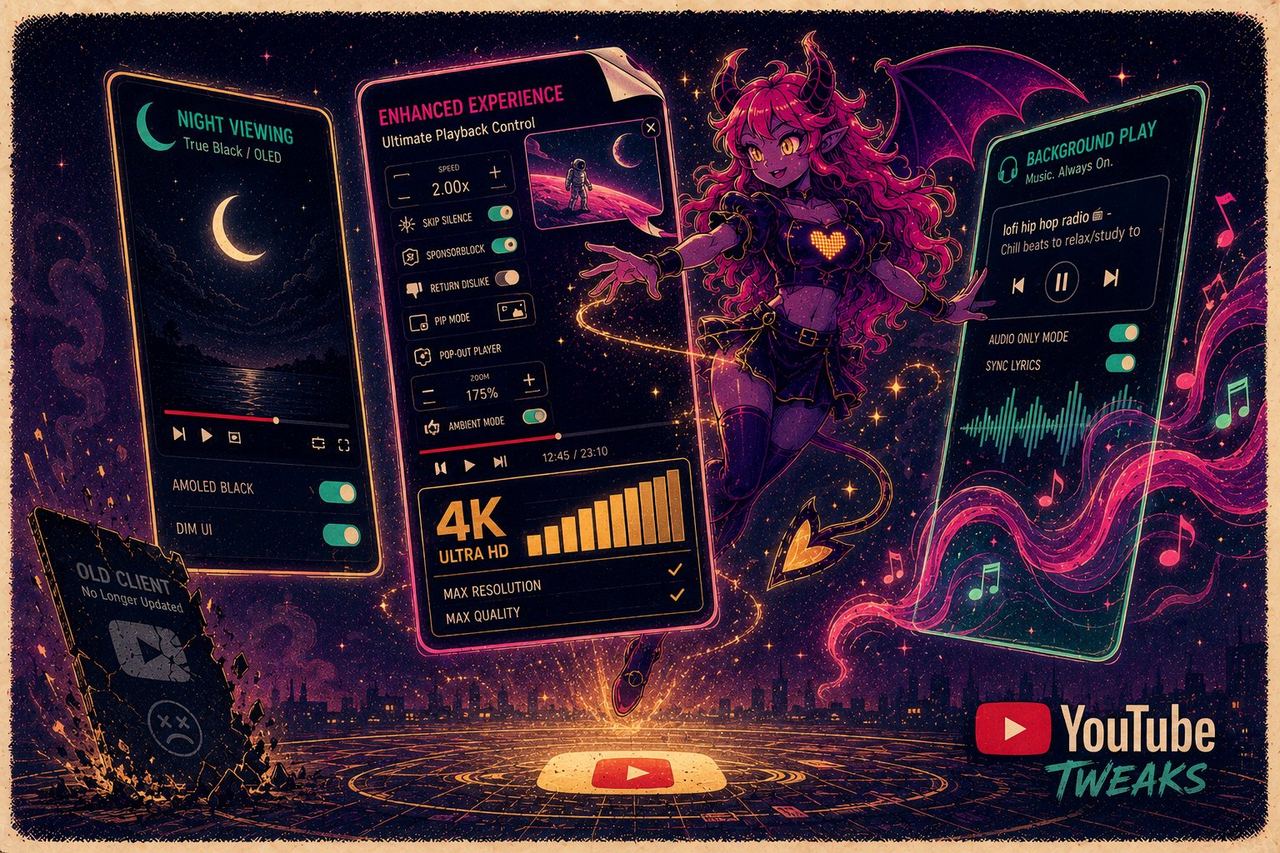
Searching for a YouTube IPA means you want one specific thing: the YouTube app you already use, without the ads, with playback that keeps going when the screen goes off. There is no single answer, because four different builds do it in four different ways — YouTube Plus (the YTLite lineage), the OLED tweak, uYou, and YouTube Music Premium for the music app. This is what each one actually changes, which to install first, and why the copy you grab from a random link stops working within a week.
Why free YouTube IPAs keep breaking
If you have chased a working IPA lately, you know the routine. A YouTube tweak that ran fine last month suddenly stops playing video. A file from a random link installs, then dies within a week. The failures are predictable:
- They break on updates. A tweak built against one app version stops working when YouTube or iOS updates, which is how a working setup dies overnight.
- They get revoked. Free and resold certificates expire or get pulled, and every app signed with one stops opening at once. We covered why sideloaded apps get revoked in detail, and which signing tools sit on shared certificates in best IPA signer for iPhone.
- Some are decoys. To slip past detection, a “modded” app is sometimes shipped as a harmless-looking book or utility app, so you install it and the real features were never there.
- The sources are a gamble. One-off uploads have no version control and nobody to fix them when they break.
The builds themselves are fine. The delivery is the problem.
YouTube Plus (ex. YTLite) — the full-feature one
YouTube Plus is the YTLite lineage — the standard YouTube app with the limits stripped out and the widest feature list of the four. It is the build most people on sideloading forums are hunting for when their old copy stops working.
Unlocked for you: ad-free video, background and picture-in-picture playback, and video downloads.
Pick this one if you want the longest feature list and do not care about theming.
YouTube OLED tweak — the one our catalog installs most

The quieter sibling, and the most-installed YouTube build in our catalog. Same ad-free video and background playback as YouTube Plus, plus a true-black OLED theme that genuinely saves battery on an OLED iPhone, and 60+ interface toggles for people who like tuning things.
Unlocked for you: no ads, background playback, the black theme, and a pile of layout options.
Pick this one if you mostly watch on the phone, at night, and care about how the interface looks.
uYou — the tweak-on-a-tweak build
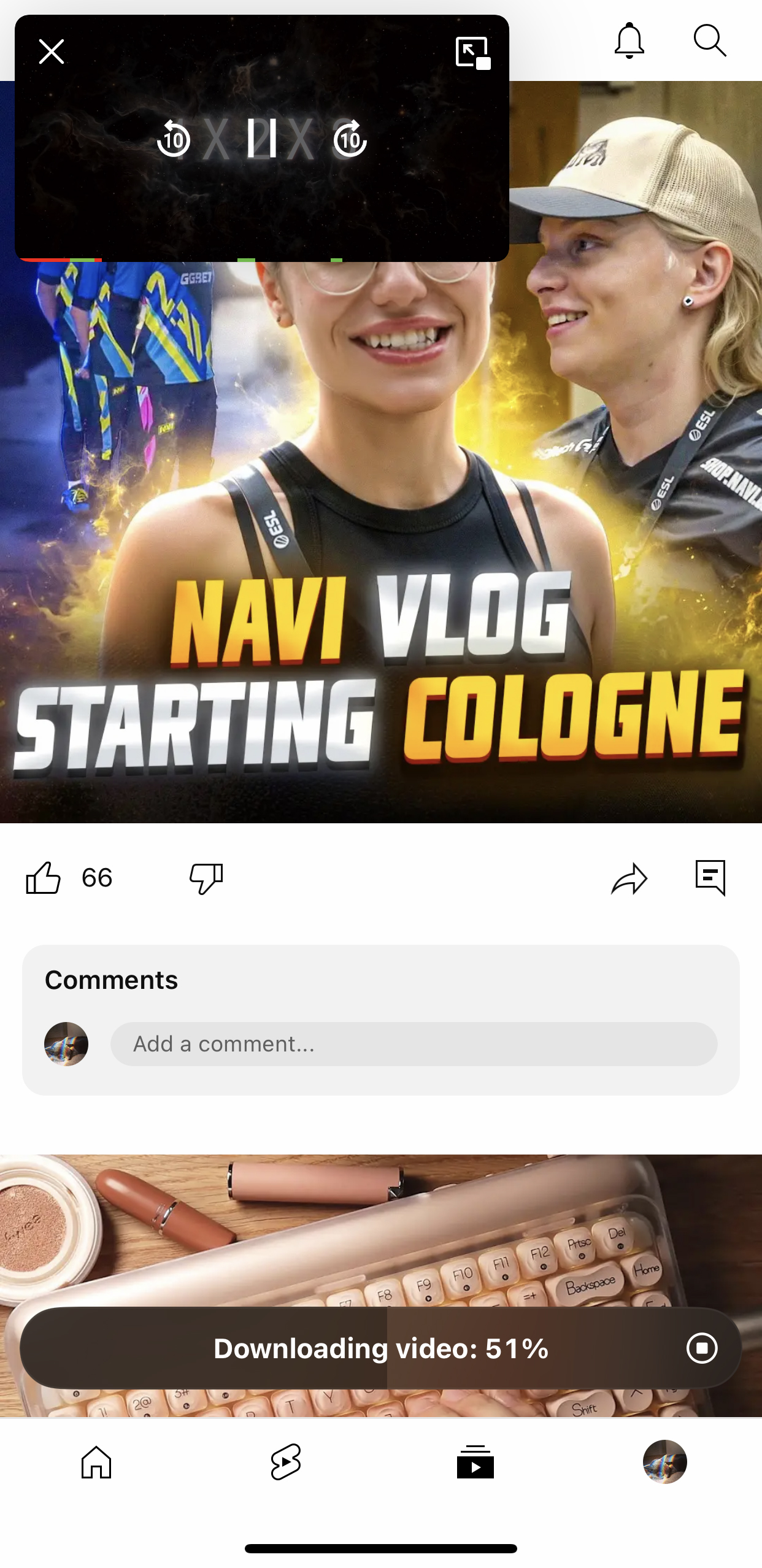
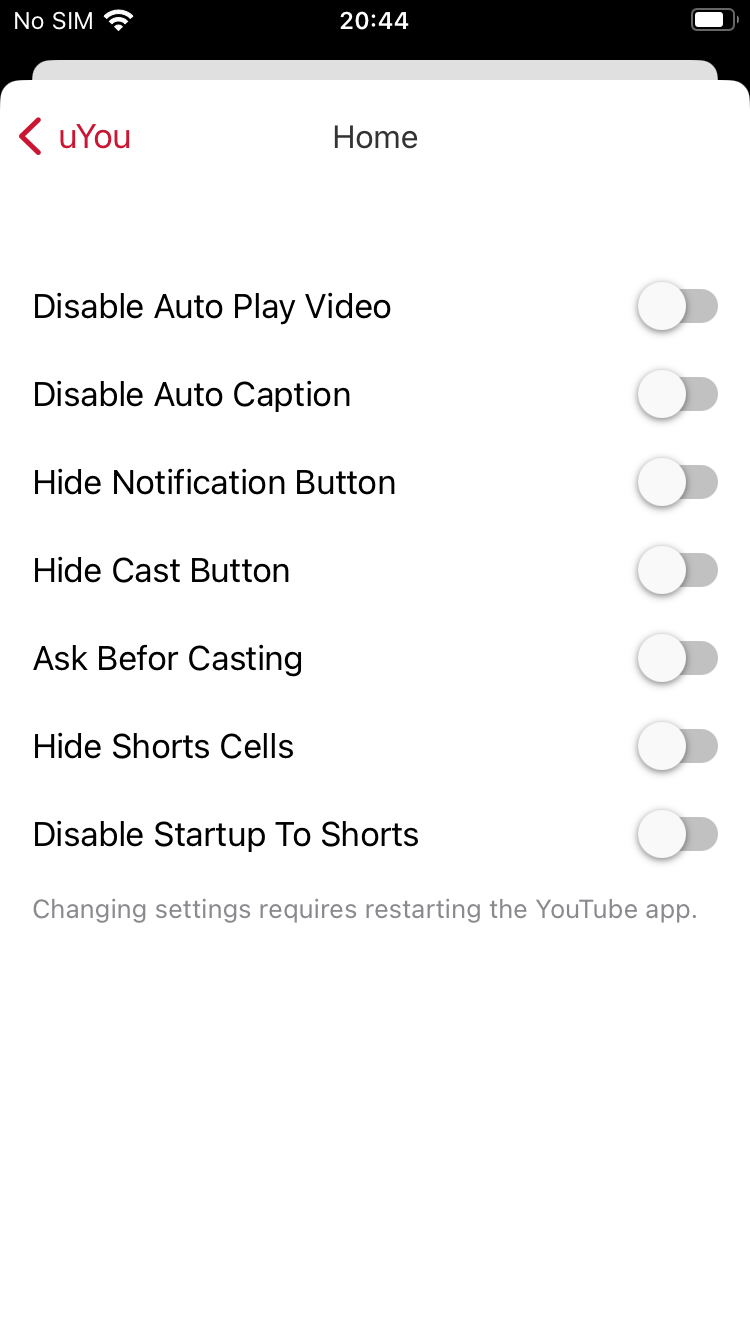
uYou is the enhanced build people ask for by name when the other two feel too plain — YouTube with an extra customisation layer on top of the usual ad-blocking, including download options and a long list of interface settings.
Unlocked for you: ad-free playback, background audio, video and audio downloads, and per-setting control over what the app shows you.
Pick this one if you like configuring things and want the deepest settings menu of the group.
YouTube Music Premium (YTMusicUltimate) — for the music app
The video builds above do not touch YouTube Music — it is a separate app, so it needs a separate build. YTMusicUltimate brings the paid subscription behaviour into it, which is what most people mean when they search for a YouTube Music IPA.
Unlocked for you: ad-free listening, background play with the screen off, and offline downloads.
Full breakdown of that one: YouTube Music IPA on iPhone.
The alternates: YTKACE and YouMod
Two more builds exist in the catalog and get asked about by name. Both do the ad-free-and-background basics; neither adds much the three above do not already cover, so treat them as fallbacks for when your usual build lags behind a YouTube update.
Which YouTube IPA should you install?
| You want | Install |
|---|---|
| The widest feature set | YouTube Plus (ex. YTLite) |
| Battery savings and a black interface | YouTube OLED tweak |
| The deepest customisation menu | uYou |
| Ad-free music with the screen off | YouTube Music Premium |
| A fallback when your build lags an update | YTKACE or YouMod |
Installing two video builds side by side is fine — they are separate apps, and people often keep one as a backup for the week after a YouTube update breaks the other.
How to keep them installed
Every build above installs from builds.io in Safari, with no computer and no certificate to manage. You are not refreshing anything every seven days, and you are not importing a p12 from a stranger that dies in the next revoke wave.
On the Premium plan the failure cases are covered too. If a certificate is ever revoked, a new one is issued and your apps come back. If Apple places your account into an ineligible cooldown, the lost time is credited back as free days. One expectation to set: when you first add a device, Apple processes it before apps go live — most devices are ready within a day, some take up to three. It happens once.
Beyond YouTube, the same catalog covers the other most-requested tweaks: Instagram builds, BHTikTok Plus, and premium-unlocked editors. Browse them at builds.io and install the YouTube IPA you came for without rebuilding the setup every time something updates or expires.